Every guide to Airtable templates tells you where to find them. You already know where to find them: Airtable’s own gallery, one click from the base you are staring at. That is not the question.
The question is which ones survive contact with a real team, and what to change before you put real data in. Because a template is not a finished system. It is somebody else’s guess about your process, built to demo well, and the gap between “looks right in the gallery” and “still works in month four” is where most Airtable projects go wrong.
What a template is actually good for
It shows you a working structure. If you have never modelled a CRM in a relational tool, opening one that already works teaches you more in five minutes than an afternoon of documentation. The value is in the tables, the links between them, and the views someone thought were worth building.
It gets you past the blank base. Starting is disproportionately hard. A template turns “design a system” into “change this system”, which is a much easier job.
What a template is not good for: being your system. Your process will differ from the template’s assumptions, because your process is why you are here and not using a spreadsheet. When it does, you either change the template or change your business to match it. Teams pick the second more often than they admit, and that is how you end up with a field called “Notes 2”.
Where to start, by the job you are doing
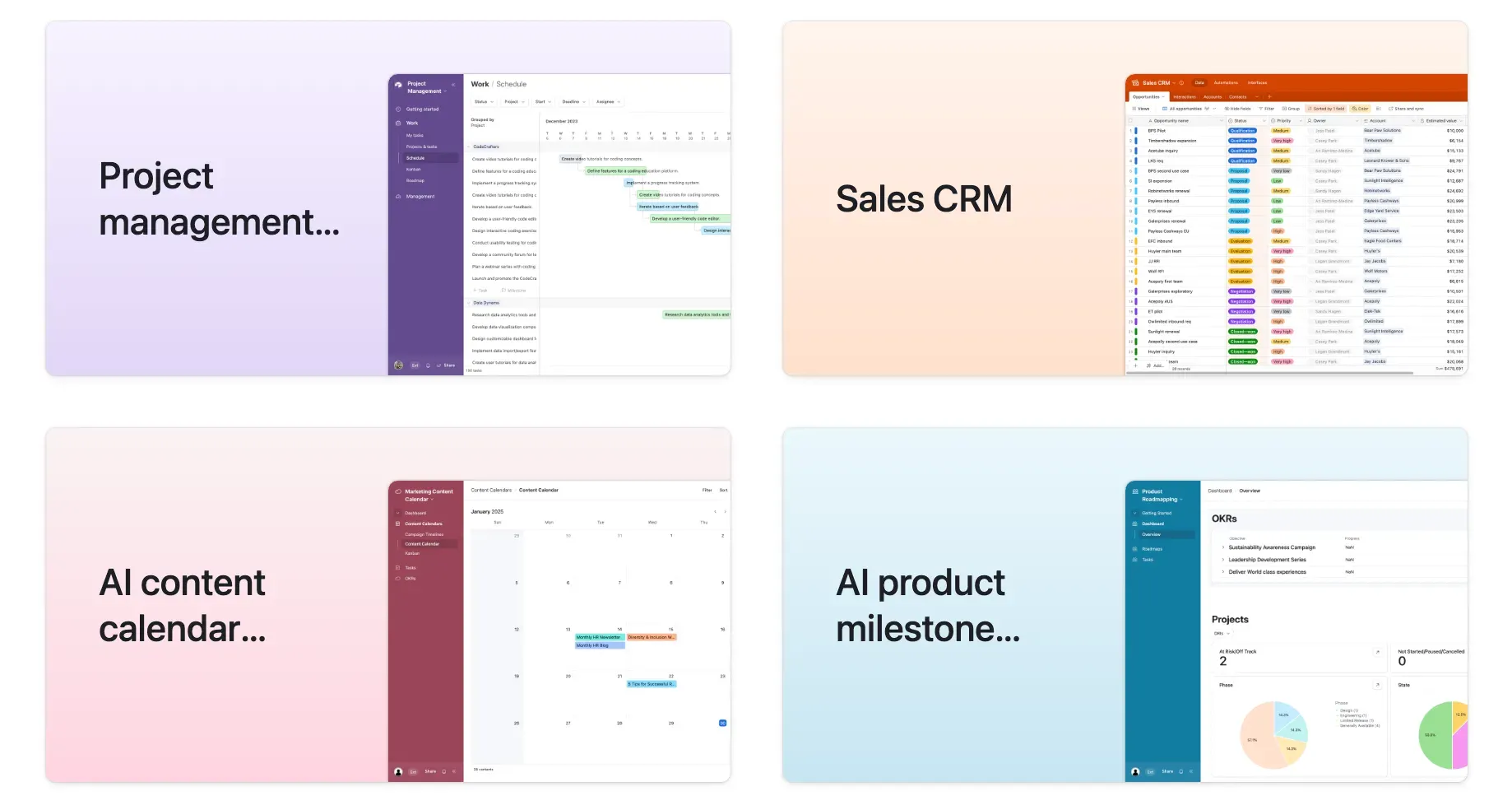
Airtable groups its gallery by function, and the useful ones cluster in four places.
Project management. The strongest category, and the safest place to start. The structural pattern (projects linked to tasks linked to people) is close to universal, so what you inherit is mostly right. You will still change the status model.
Sales and CRM. Start here only if your sales process is genuinely simple. These templates assume a linear pipeline, and if yours branches (different stages by product, by region, by contract type) you will fight the template all the way. See below on status fields.
Marketing. Content calendars are the best value in the whole gallery. The job is well understood, the structure is stable, and the templates are usually close to production-ready. Campaign trackers are weaker, because they tend to assume one campaign shape.
Small business / operations. The most variable category. Inventory, orders and client onboarding differ so much between businesses that these are better read as examples than adopted as systems.
If you are not sure what you are even modelling yet, the key concepts and terminology are worth twenty minutes first. A template will not teach you them, it will just hide them.
What to change before you put real data in
This is the part nobody writes, and it is the part that matters. These are the five changes we make to almost every template-based base we are handed, in the order they cause damage.
1. Text fields that should be linked records
The single most common and most expensive one. A template stores “Client” or “Vendor” or “Owner” as a plain text field, because that demos fine with eight rows.
With eight hundred rows you have “Acme Corp”, “Acme Corp.”, “acme corp” and “ACME” as four different clients. You cannot roll up their total spend, you cannot filter reliably, and you cannot fix it without a migration, because by then the text is in views, automations and someone’s saved filter.
Fix it on day one. If a value names a thing that exists elsewhere in your business, make it a linked record. This is the difference between a spreadsheet and a database, and the guide to field types covers which type belongs where.
2. A status field that does not match your process
Templates ship with a generic status: Not started, In progress, Done. Your process has a step that matters: waiting on client, in review, blocked on supplier. It is also the step where work actually gets stuck.
If that state is not a status option, your team will encode it somewhere else: in the notes, in a checkbox, in a naming convention. Now the information exists but nothing can filter or report on it.
Write down the states your work really passes through, then build the field. Keep the list short enough that everyone picks the same one.
3. One table doing two jobs
Watch for a table where half the fields are empty on half the records. That is two things wearing one table: orders and order lines, clients and contacts, projects and deliverables.
Templates do this to keep the demo simple. It works until you need to count one of them independently, at which point every rollup you write is wrong in a way that is hard to see.
Split them, and link them. The guide to structuring a base properly goes deeper on where the seams belong.
4. Attachments used as the system of record
A template gives you an attachment field and it feels like storage, but you cannot search inside it, you cannot report on it, and you cannot tell whether the PDF someone dropped in matches the amount in the record next to it.
Attachments are evidence, not data. If a number in that document drives a decision, it belongs in a field.
5. Views mistaken for permissions
A filtered view that hides records is a convenience, not a control. Anyone with access to the base can change the filter, and most templates lean on views to make a base feel tidier than its permission model actually is.
Decide what people should not see, then handle it with base permissions or an interface instead of a view. Interfaces are the right tool when different people need different slices of the same base.
When to skip the template entirely
Start from a blank base when any of these is true:
- Your process is your differentiator. If how you run projects is the reason clients hire you, a generic project template will file the edges off exactly the thing you are selling.
- You already know the model. If you can draw the tables and the links on paper, the template is now a set of someone else’s decisions to undo.
- You are migrating real data in. Shaping a template around existing data is usually harder than shaping a base around it. Model the data first.
Making it yours: the first hour
Once you have imported a template, in this order:
- Fix the links. Every text field naming a thing becomes a linked record. Do this while the base is still empty.
- Rewrite the status options to match the states your work passes through.
- Delete the fields you will not use. Templates ship with optional extras, and an unused field is a question every new team member has to ask.
- Delete the sample records. All of them. A demo row that survives into production will eventually appear in a report.
- Add one automation, not six. Pick the one notification or update that removes real manual work, and get it right before adding any others.
Then use it for two weeks before changing anything else. The changes worth making are the ones your team asks for, and you cannot predict them from the gallery.
The short version
Templates are a good way to start and a bad way to finish. Use one to learn the shape, then fix the five things above before real data arrives: linked records, status options, overloaded tables, attachments, and views doing a permissions job. Those five account for most of the rework we get called in to do.
If you have a base that started as a template and has stopped scaling, that is a specific and fixable problem. Book a call and we will tell you whether it needs a repair or a rebuild.