When working with Airtable, forms are a crucial part of collecting information—whether you’re gathering customer feedback, processing orders, or tracking internal requests. Airtable provides its own native form builder, but many users turn to third-party solutions like Fillout Forms for added flexibility.
So, which one should you use? In this guide, we’ll compare Airtable Forms and Fillout Forms when integrated with Airtable, covering their features, strengths, and best use cases to help you decide.
Introduction to Airtable Forms
Airtable Forms come built-in with any Airtable base and allow you to create simple, straightforward forms that feed directly into your tables. They’re easy to set up, require no additional tools, and inherit your table’s structure automatically.
Key Features of Airtable Forms
• Simplicity: Automatically mirrors fields from your Airtable table.
Limitations:
- Limited styling and customization options.
- No integrations beyond Airtable’s native automations.
- Tough to pre-fill
- Limited conditional logic
- Cannot create multiple linked records across different tables from a single form submission.
Introduction to Fillout Forms (Integrated with Airtable)
Fillout Forms is a powerful, third-party form builder that offers seamless integration with Airtable. It provides a more flexible and feature-rich form experience compared to Airtable’s native forms, especially for complex or user-friendly workflows.
Key Features of Fillout Forms
- Pre-Filled Fields: Easily generate links with pre-filled data without complex URL formulas.
- Custom Branding: Customize the design with brand colors, logos, and layouts.
- Multi-Step Forms: Split forms into multiple pages to improve user experience.
- Native Airtable Integration: Connects directly to Airtable bases and updates records in real time.
- Save & Continue Later: Let users save their progress and finish submissions later.
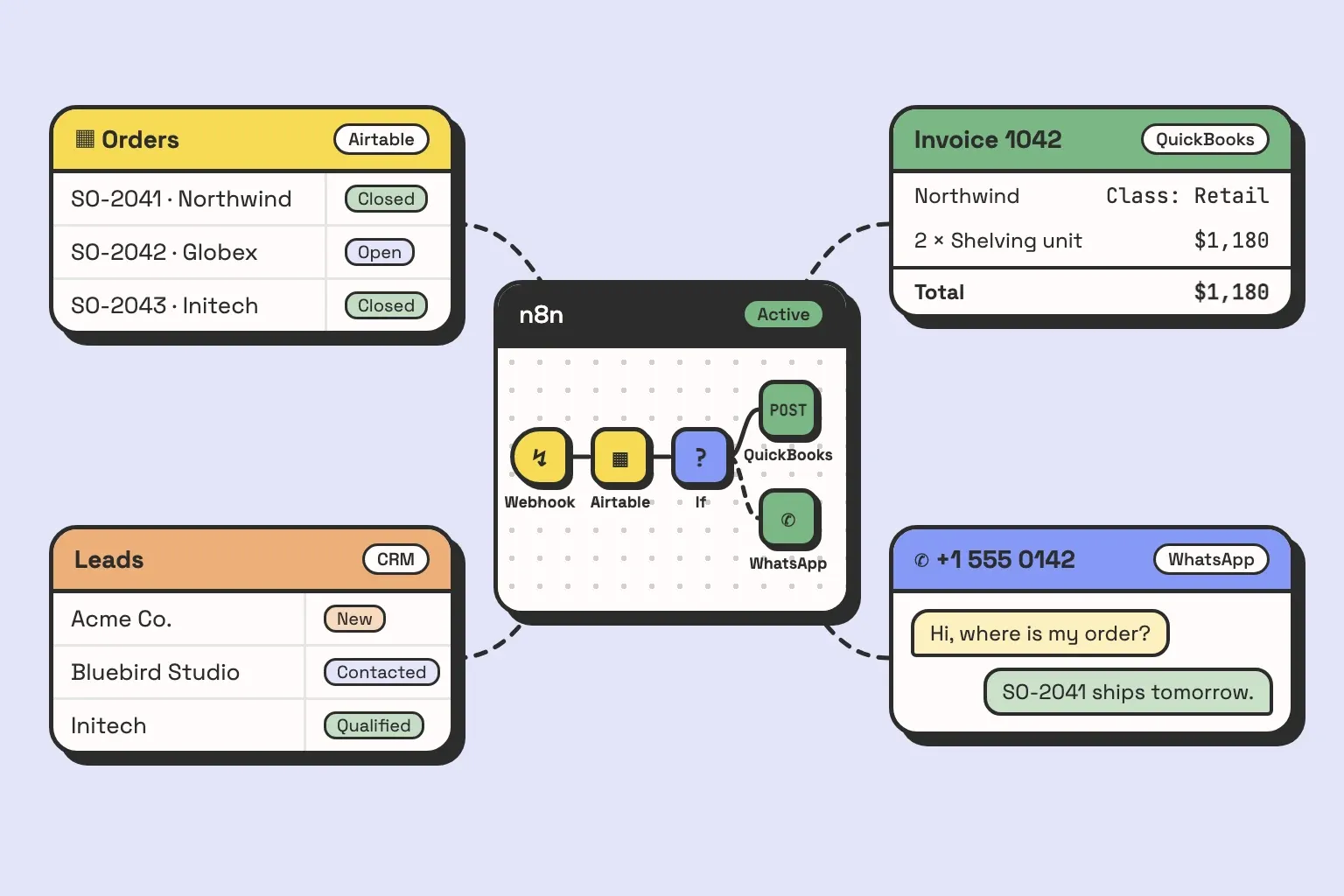
- Webhook Support: Trigger external processes through webhook calls (e.g. Zapier, Make, n8n and others!).
- Native Scheduling: Allow users to book appointments directly via the form.
- Payments Integration with Stripe: Accept payments securely within your forms.
- Ability to Create Multiple Linked Records: Unlike Airtable’s native forms, Fillout Forms allows you to create multiple linked records across different tables in a single form submission. This makes complex data entry workflows significantly easier to manage.
Limitations:
- Requires an additional tool (not built-in like Airtable forms).
- Some advanced features are only available on paid plans.
When to Use Airtable Forms
Airtable Forms are best suited for simple, internal data collection tasks where speed and simplicity matter more than customization. Use Airtable Forms if:
- You need to quickly collect information without extra tools.
- The form will primarily be used internally (e.g., team task submissions).
- Branding, advanced integrations, and payment features are not necessary.
Example: Collecting employee feedback within a small team using an existing Airtable base.
When to Use Fillout Forms
Fillout Forms shine when form functionality, customization, and external integrations are essential. Use Fillout Forms if:
- You need advanced pre-filled fields without manual formula work.
- Branding and user-friendly design are important for external audiences.
- You want to build multi-page forms for longer or more complex submissions.
- You need integrations with tools like Make, Zapier, or webhook calls to trigger other processes.
- You want users to schedule meetings directly or make payments within the form.
- You need to create multiple linked records in different tables from one form submission—a feature not available with Airtable’s native forms.
Example: Creating a client onboarding form that dynamically adjusts questions based on the selected service type, includes an appointment scheduler, accepts payments via Stripe, and creates related records across various tables in one go.
Conclusion
Both Airtable Forms and Fillout Forms integrate seamlessly with Airtable and offer reliable data collection options. If you need a quick, simple form for internal use, Airtable Forms are the go-to solution. But if you want advanced customization, external integrations, scheduling, payments, or the ability to create multiple linked records across tables, Fillout Forms is the more powerful, flexible choice.
Evaluate your workflow requirements and choose the solution that best fits your team’s needs. With the right form tool in place, you can automate data collection, improve accuracy, and create a smoother experience for your team and users alike!